

Task 2B - Submission
Submission instructions for task 2B:
- NOTE: All your tasks will be checked using plagiarism software. If any submitted file is found to be plagiarised, e-Yantra reserves the right to disqualify the team.
-
Upgrade your
eyantra-autoevalpackage by running the command given belowpip3 install -U eyantra-autoeval -
First launch the robot in the gazebo as instructed before
ros2 launch ebot_description ebot_gazebo_launch.py -
Now launch the bringup launch for Nav2 stack
ros2 launch ebot_nav2 ebot_bringup_launch.pykeep it running. -
Then open a new terminal and execute the auto eval script
eyantra-autoeval evaluate --year 2023 --theme CL --task 2B. -
Wait for the
DATA COLLECTION STARTED FOR TASK 2BINFO to be shown on the terminal. -
Start your
ebot_docking_service.pyto start the docking service server. -
Now, run your Python script to do the dock and place of the rack, and once the task is completed go to the autoeval terminal and use the
Ctrl + ckey once which will generate amy_bag/my_bag_0.db3bag file in the same directory (inside a folder namedmy_bag).
NOTE: You can verify the bag file duration by using the command
ros2 bag info my_bag_0.db3by navigating to the directory containing.db3bag file. This is not the run time of your task but the bag file recording time.
-
Now add your Python scripts and rename them as
ebot_nav2_cmd_task2b.pyandebot_docking_service_task2b.pyto the same directory and also add yourmap.pgm(It will be something you named while saving) -
Create a
.zipfile by selecting all five files i.e. 2 pythons, yaml, pgm, and bag file. -
Make sure the dir/zip should contain,
ebot_nav2_cmd_task2b.pyebot_docking_service_task2b.pymetadata.yamlmy_bag_0.db3map.pgm
-
Once the zip is created, rename it as
<CL#team_id_2B>(For example, if your team id is 1679, rename the file asCL#1679_2B.zip) and submit on eYRC Portal - Task 2 by selecting option 2B.
Video Submission
Here you are also supposed to submit a YouTube video of your Task 2B execution, a simple screen recording in below given window setup.
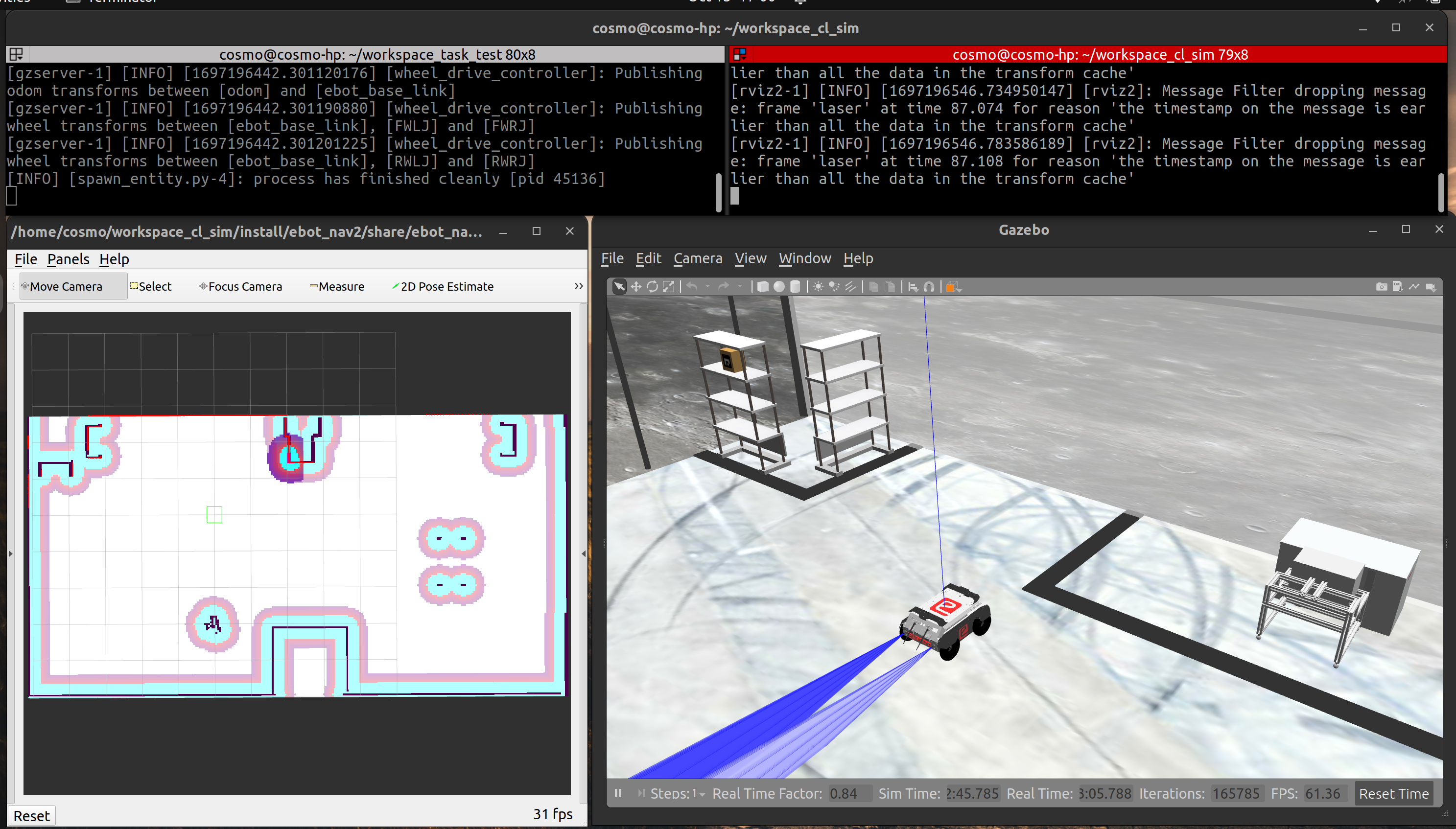
and submit it under the section Video Upload
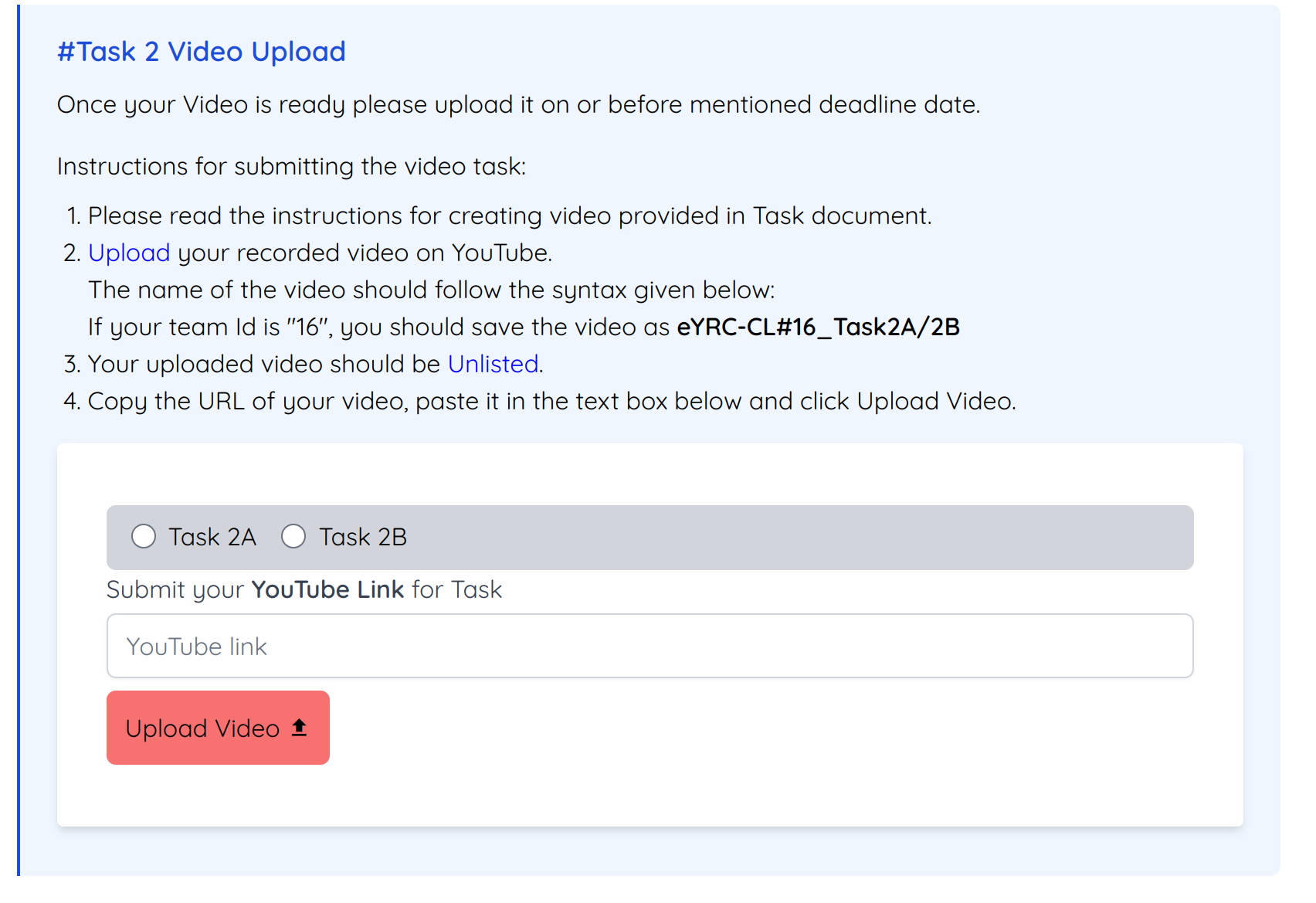
Grading
This task will be graded out of 50
Maximum Marks-Marks: 50.00
Failed Task-Marks: 0.00
Formula
Task_2B_Marks = [(200-T) * 0.075] + (RPN * 18) + (RD * 6) + (APN * 14) + (RP * 3)
T: Time for execution -
- Maximum Time: 200 sec (or 3.3 mins)
- T = End time - Start time
- Start time: First movement of ebot from its initial position after the start of eyantra-autoeval.
- End time: Time of reaching to the
HOMEpose. - Conditions:
- if T < 80: T = 80
- if T > 200: T = 200
RPN: Rack Pose Navigated -
- The rack pose eBot navigated, this pose is the center of the rack below.
- Value of RPN is integer.
- A navigation (RPN) is consider only if it navigates with the above tolerance given (i.e. +-0.3 meter (pose error) and +-10 degrees(orientation error)) to the respective rack pose.
RD: Rack Dock -
- No. of rack eBot dock as per the below conditions:
- eBot should reach the rack pose.
- Rack should move with the eBot from the rack pose.
APN: Arm Pose Navigated -
- The arm pose eBot navigated, this poses are AP1, AP2 and AP3. Refer image for this.
- Value of APN is integer.
- A navigation (APN) is consider only if it navigates with the above tolerance given (i.e. +-0.3 meter (pose error) and +-10 degrees(orientation error)) to the respective arm pose.
RP: Rack Placed -
- No. of rack eBot placed as per the below conditions:
- eBot should reach the Arm pose.
- Rack should be placed at Arm Pose and eBot should left the position.